


Simplified Invoice Editing
GST /Non GST Bill Format
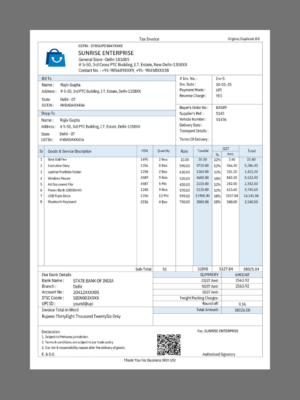
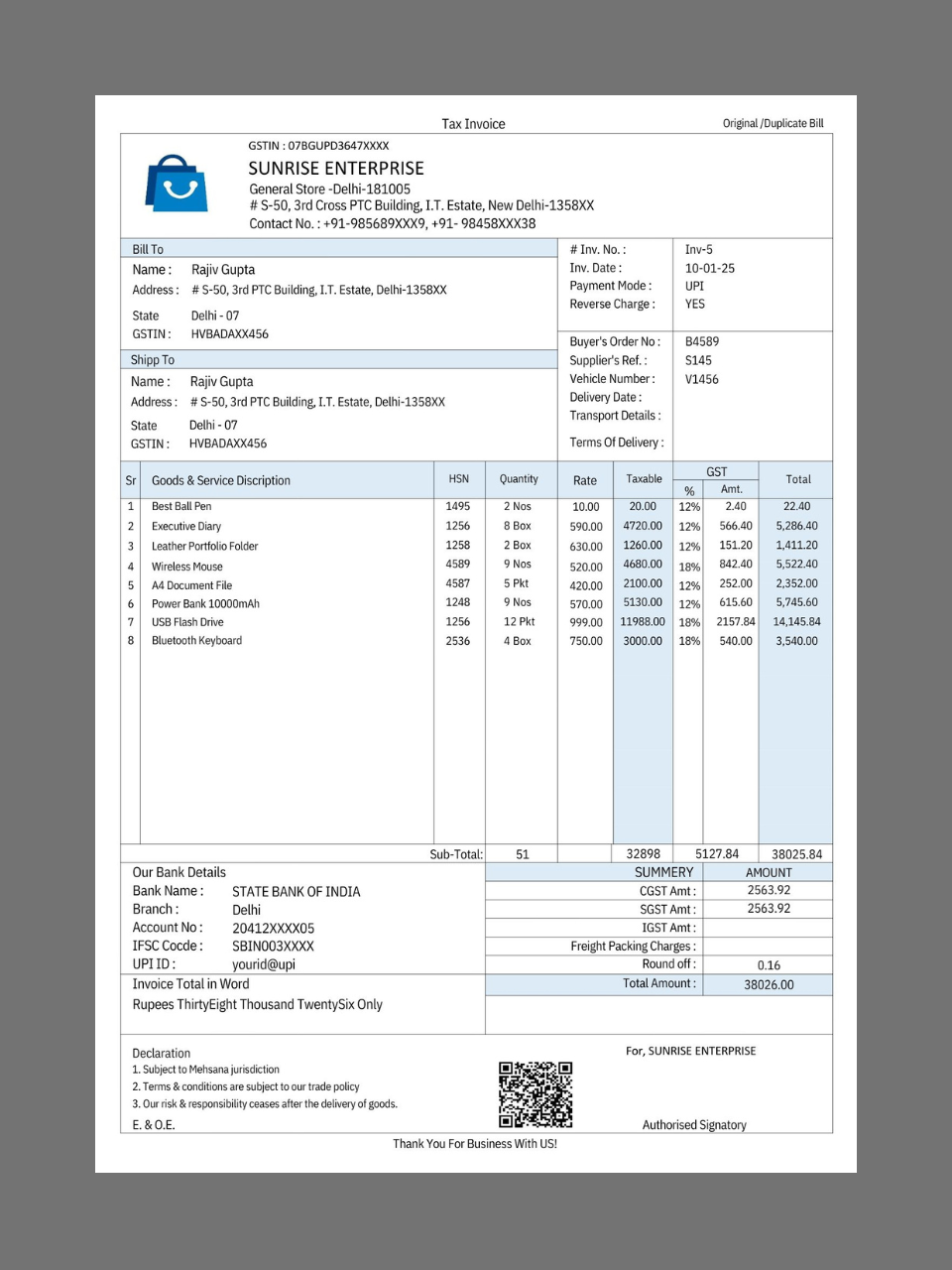
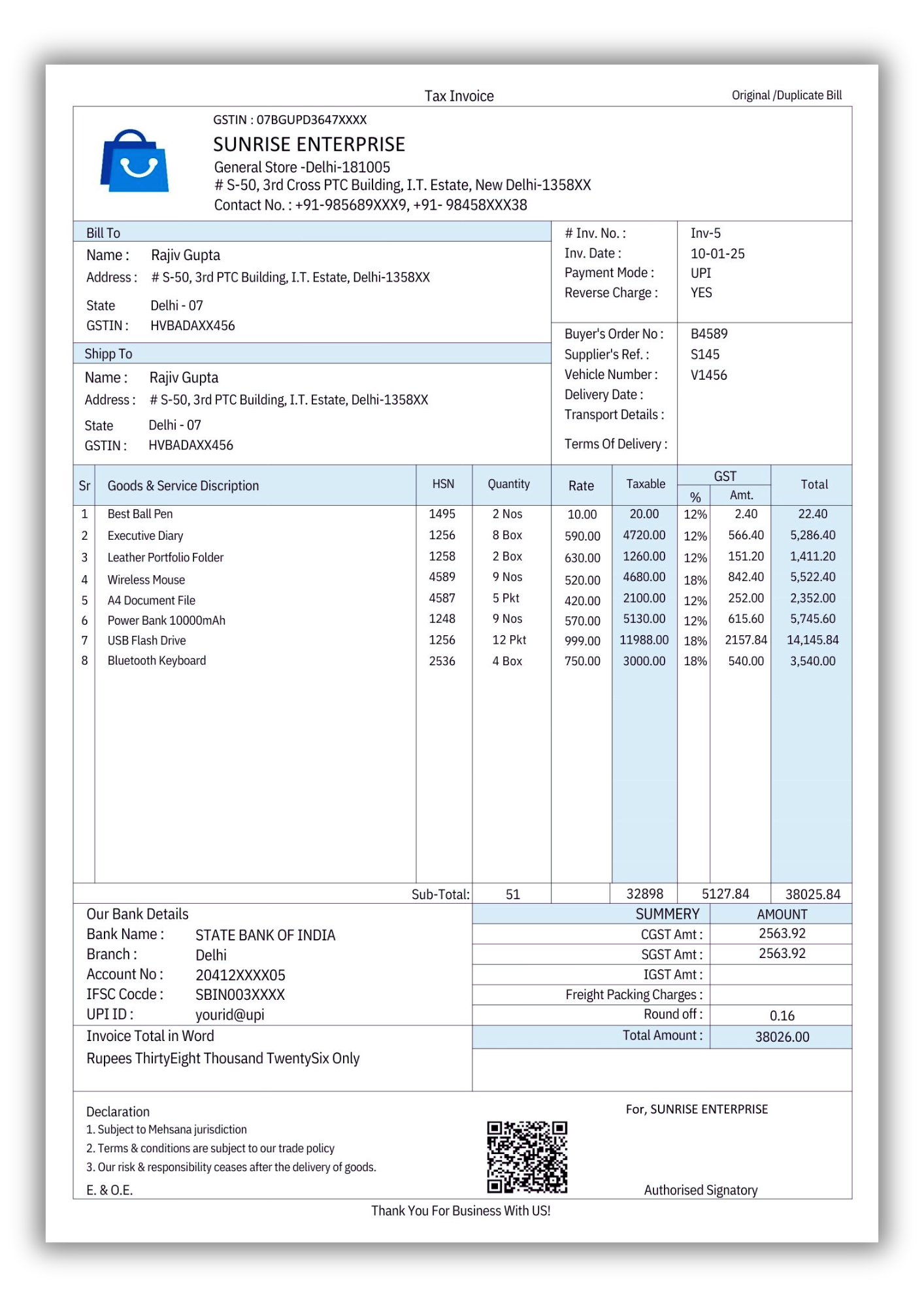
Prevenuetech An Invoice format typically includes 6 key features. First, the Header shows business details, invoice number, and date. Next, Customer Details list the buyer’s name, address, and GSTIN. The Item List breaks down products/services, quantity, and price. Payment Info highlights the total amount, taxes, and payment options. Terms & Conditions outline payment terms and policies. Lastly, the Signature Section allows for signatures from both buyer and seller, ensuring transaction confirmation.”
Let me know if you’d like any adjustments!
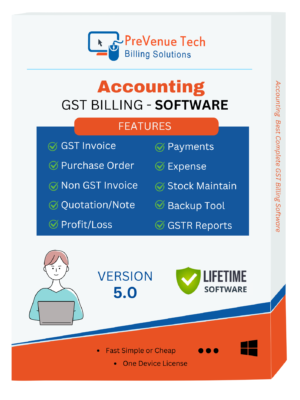
| FEATURES | ||
| 1 | Invoice Bill : GST /Non GST Bill Fotmat | ✓ |
| 2 | Header: Company Information | ✓ |
| 3 | Invoice : Bill number & Bill Date | ✓ |
| 4 | Customer Details : Name, address, and GSTIN (if applicable) | ✓ |
| 5 | Item List: Product/service details, quantity, rate, and total amount. | ✓ |
| 6 | Payment Info: Subtotal, taxes, total payable, payment methods | ✓ |
| 7 | Terms & Conditions: Payment terms, return policy, and notes. | ✓ |
| 8 | Signature Section: Space for authorized signatures | ✓ |
| PRODUCT INFORMATION | ||
| GENERAL | ||
| PRODUCT | : | STATER BILLING SOFTWARE |
| VERSION | : | STATER |
| VALID | : | LIFETIME |
| DOWNLOAD | : | Pay now & get instant download file |
| SYSTEM SUPPORT | : | MOBILE/LAPTOP/DESKTOP |
| DEVICES | : | Multi Deices Support |
| – | : | – |
| BENEFIT & SUPPORT | ||
| BENEFIT | ||
| INTERFACE | : | Professional Bill Format |
| UPDATE | : | Regular Updates & New Features |
| SUPPORT | : | Live Chat/WhatsApp |
EASY GST BILLING, INVOICING
Our GST invoicing is very simple for use. So, no much technical knowledge is required to run this Bill. It has simple user format because, it run on popular application. So, this is user friendly product.
MORE DETAILS
Entries are maintained & the invoice for the same can be generated with few clicks only. It is fast & easy to use; no need for accounting knowledge.
PreVenue Tech is reliable, secure and safe. i.e. You own your data !!! Data is stored in your machine. Data can be backed-up easily. Invoice gets generated in pdf.
Flexibility of entering/updating GST Tax values. i.e. On change of tax rules, no need for application upgrade.
PreVenue Tech is Stand alone – NO need of INTERNET connection.
PreVenue Tech is cost effective. No Yearly Licence Fees!!!
Easy to use, Company provides training of usage as well.
To print invoices or bills in A4, A5 size using PrevenueTech GST Invoice, follow these general steps:
- Create Invoice:
- Open PrevenueTech and create a new invoice as you normally would.
- Select Print Settings:
- Go to the print option
- Ensure your printer is set up for A4, A5 size.
- Print:
- Review the print preview to ensure everything looks correct.
- Click the print button to generate the copies.
- Check Output:
- After printing, verify that each copy is labeled correctly and contains all necessary details.